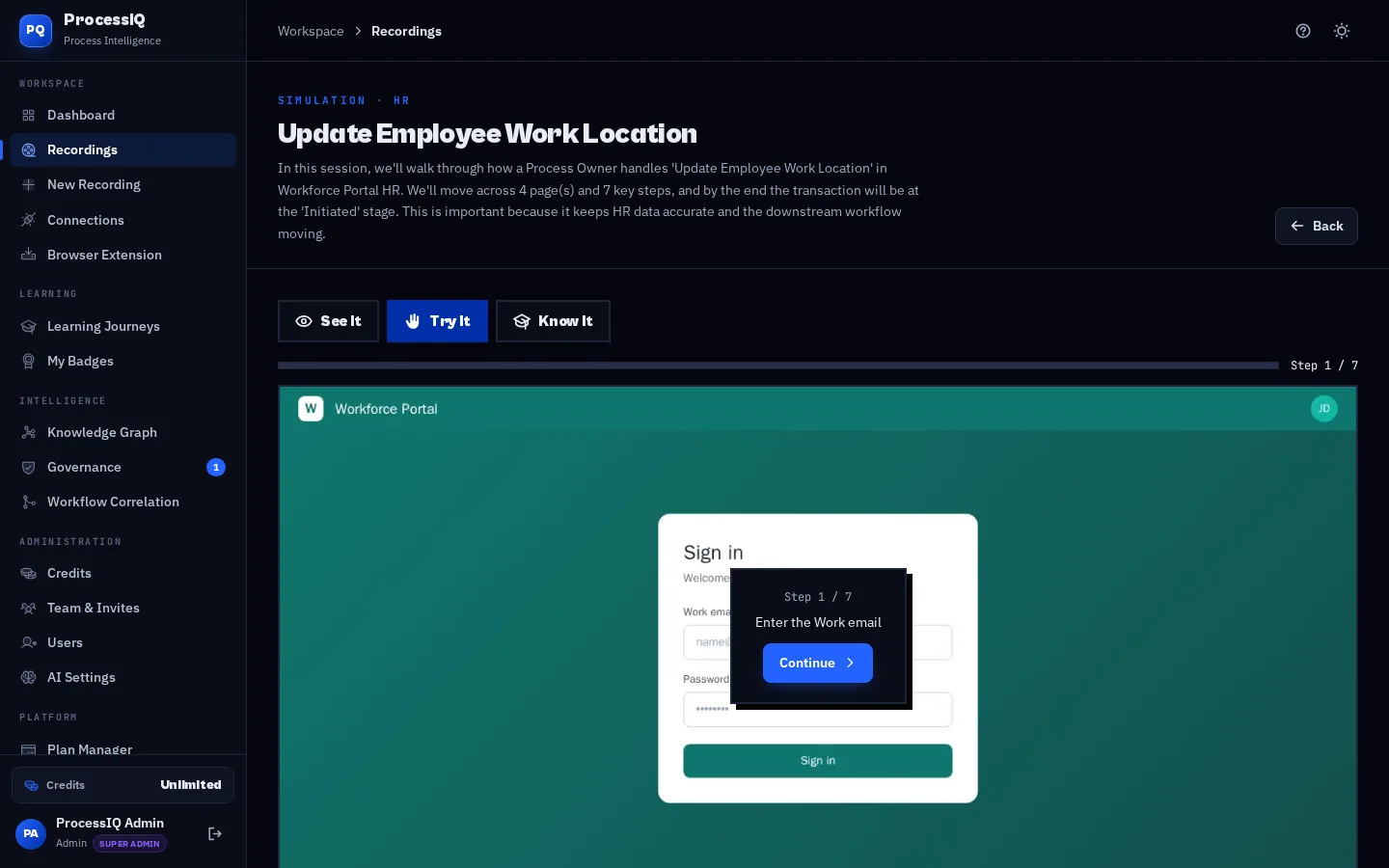
Traditional simulation tools need a specialist to author every hotspot by hand. InsightIA builds them automatically from your recording. Each captured screen becomes an interactive frame, and each click becomes a target the learner has to find. Guided hotspots show where to click in practice mode, hints appear after a wrong attempt, and the assessment mode removes the help entirely and records a score. Because simulations run on captured screens, nobody needs access to a training environment or real data to practise.
How it works
- Step 1
See It
A guided demonstration that plays the process step by step, highlighting each action and explaining what happens next.
- Step 2
Try It
Learners perform the task themselves on the captured screens, with hotspots and hints that appear when they need help.
- Step 3
Know It
An assessment mode with no guidance. InsightIA records accuracy and completion so you can see who is ready for go-live.
What you get
- Built automatically from the same recording as your SOP and video
- Safe practice with no access to production systems or real data required
- Hints and retries that build confidence instead of frustration
- Scores and completion tracking for each learner and learning journey
- Badges and certificates to recognise people who complete their training
- Works in any modern browser on desktop or laptop, with nothing to install for learners
Who uses it
ERP and HCM programmes use InsightIA simulations to train hundreds of end users before a cut-over weekend. Shared service centres use Know It assessments to certify new joiners before they handle live transactions. Training teams combine simulations, videos and SOPs into learning journeys that take people from first look to fully competent.
Frequently asked questions
- What is the difference between See It, Try It and Know It?
- See It is a guided demo, Try It is hands-on practice with help, and Know It is a scored assessment with no guidance.
- Do learners need access to the real application?
- No. Simulations run entirely on captured screens inside InsightIA, so learners can practise safely without system access or test data.
- Can I track who completed the training?
- Yes. Attempts, scores and completion are tracked per learner and roll up into learning journeys, badges and the training coverage report.