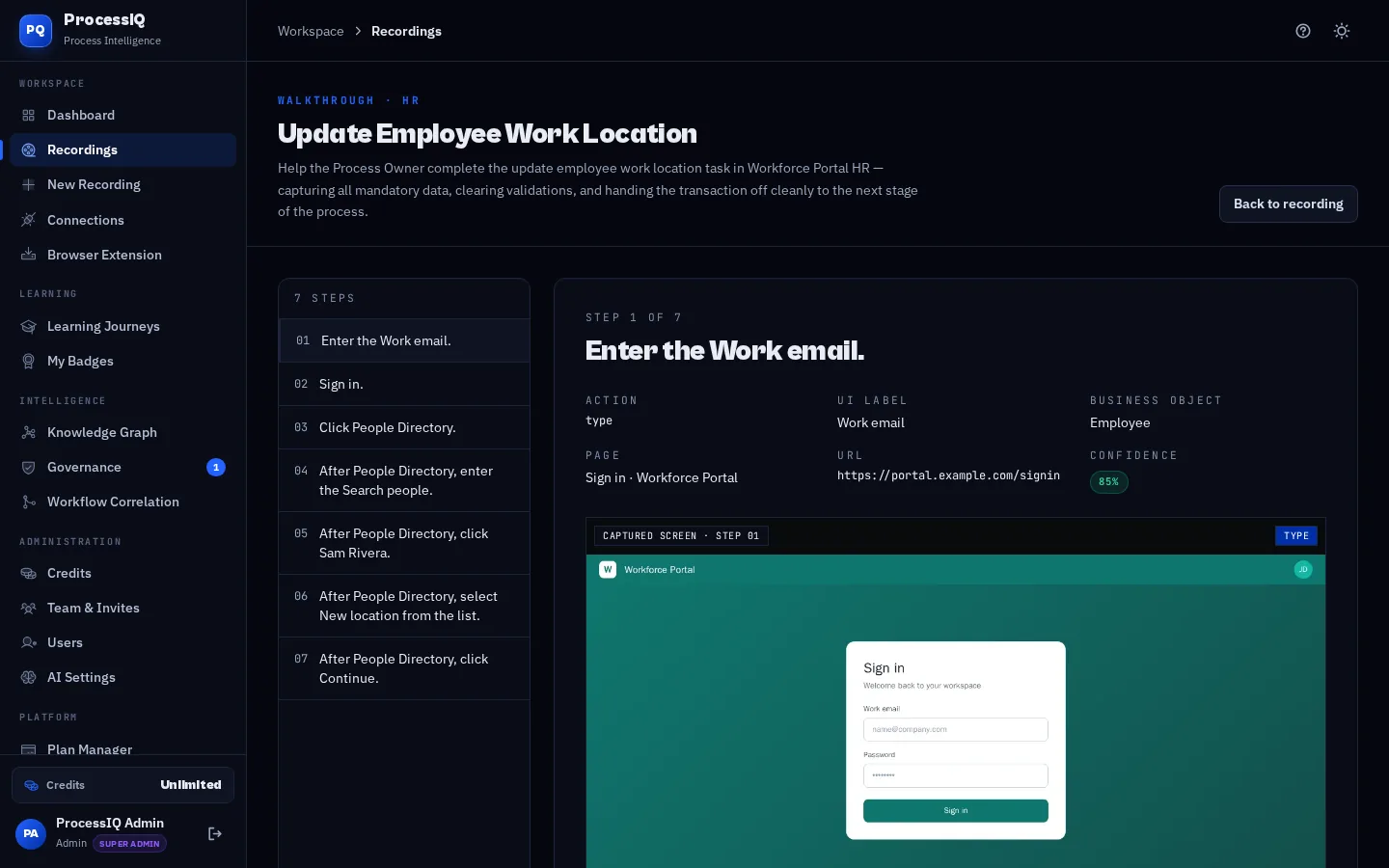
Producing training videos normally means screen-capture software, a quiet room for voice-over and hours in an editor cutting mistakes. InsightIA skips all of that. Because the recorder already knows each step, its screen and the action performed, the video engine can build a clean sequence of frames, zoom to the right area, highlight the button being clicked and generate a natural narration track for every step. Captions are burned in so videos work with the sound off, and chapters follow your SOP so learners can jump straight to the part they need.
How it works
- Step 1
Capture once
Record the process with the browser recorder. The same capture powers your SOP, video and simulation, so there is nothing extra to film.
- Step 2
Choose a style
Pick a narrated walkthrough or an explained version with more context per step, then adjust step wording to change what the narrator says.
- Step 3
Render and share
InsightIA renders an MP4 with captions and chapters. Share it in your learning journey, embed it in your intranet or download it.
What you get
- Built-in text-to-speech narration — no microphone or voice actor required
- Burned-in captions for accessibility and sound-off viewing
- Automatic highlights on the exact button or field used in each step
- Chapters that match your SOP steps for quick navigation
- Re-render in minutes when a screen changes, instead of re-filming
- Videos stay private to your workspace until you choose to share them
Who uses it
Rollout teams use InsightIA videos as the first touchpoint in end-user training before go-live. Support desks link short videos in answers to common tickets. Managers send a two-minute walkthrough to new starters instead of booking a training session, and global teams rely on captions to follow along in a second language.
Frequently asked questions
- Do I need to record my own voice?
- No. InsightIA generates narration from your step text using built-in voices. Change the wording and re-render to change what is said.
- What format are the videos?
- Standard MP4 files with burned-in captions, which play in any browser, learning management system or video platform.
- How long does rendering take?
- Most videos render in a few minutes, depending on the number of steps. You can keep working while the render runs in the background.